1
Live TV with categories, favorites, recent channels, EPG, preview, and fullscreen playback.

A television-first interface designed for the Samsung remote, with fast navigation across Live TV, movies, series, replay, EPG, favorites, and playback settings.
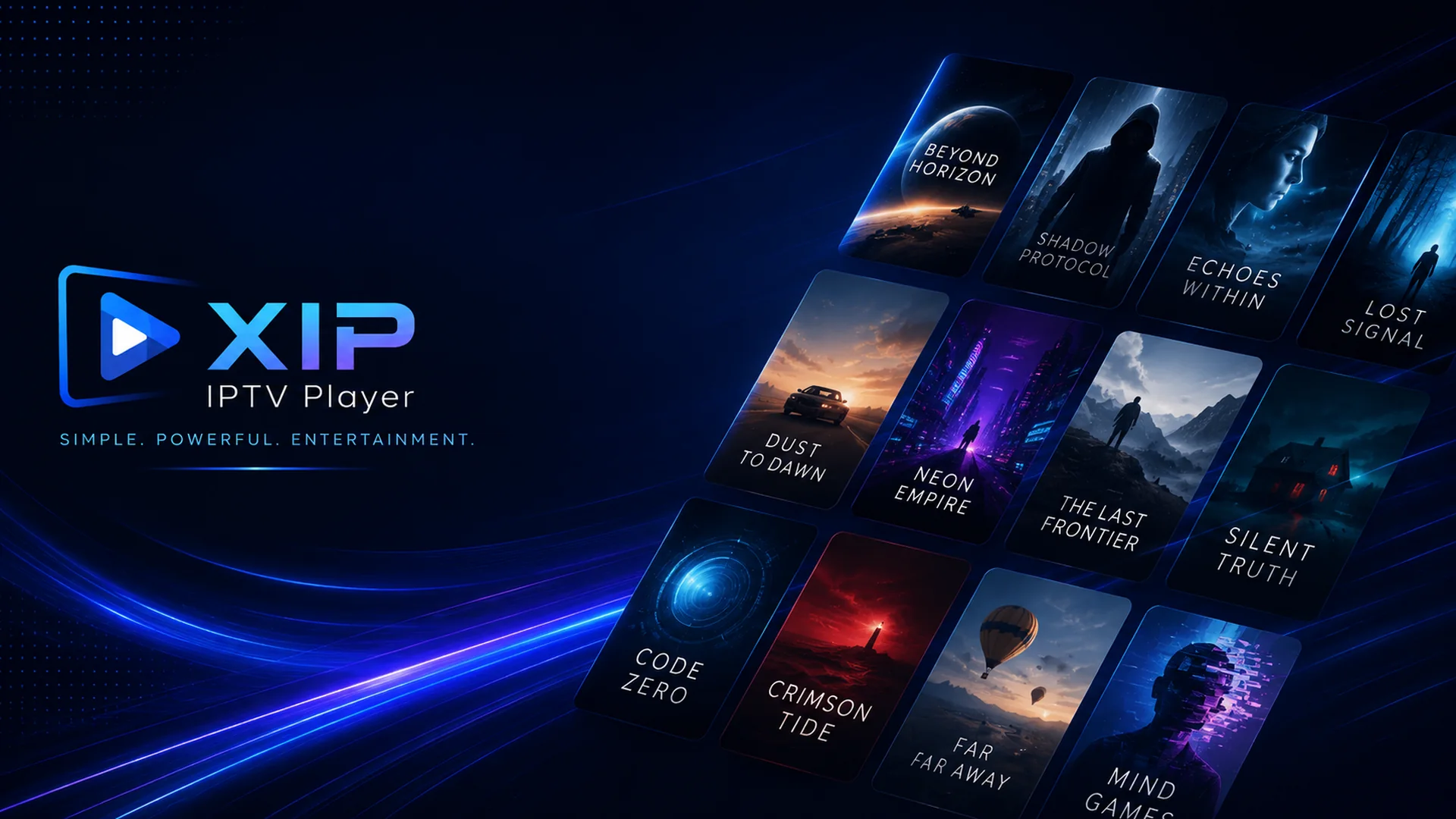
The Samsung Tizen edition brings the core XIP experience to compatible Samsung Smart TVs.
Live TV with categories, favorites, recent channels, EPG, preview, and fullscreen playback.
Movies and series with search, sorting, detailed information, cast, similar titles, resume, subtitles, and audio tracks.
Replay and time shift when these services are supplied by the user’s IPTV provider.
XTREAM, USERPASS, and M3U profile modes, plus phone pairing for easier profile entry.
Remote-control navigation, multilingual interface, parental settings, and persistent local preferences.
Local caching and background metadata loading designed to improve navigation and responsiveness.
XIP IPTV Player does not provide, host, sell, distribute, or promote television channels, movies, series, playlists, sports streams, or IPTV subscriptions. The app is a neutral media player.
Store availability depends on Samsung review, country, TV model group, and platform compatibility. This page will be updated when the public store listing is available.